
Playground
Messing around with stuff

/
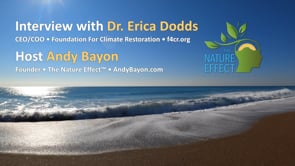
This demonstrates the settings for a single video (and it carries over when the video is in a playlist (below). Please play the first couple of minutes that demonstrate the following...
Note that there is an additional bar below the video that can display call to action buttons over any duration.
Note that we can have overlays such as the orange note in the top left, or the clickable link to visit the website (which opens a new windows and the video keeps playing).
Be sure to try the chapter button right next to the fullscreen button.
/
Video Playlist Demo
1 / 5 videos-
Dr. Erica Dodds0:40:36
-
Storytelling Initiative0:02:24
-
Spiritual Immune System0:01:43
-
Gavin Lim - Earth Tribes interview0:51:35
-
Earth Tribes interview - Sebestian Hernandez, Founder of CleanPlanet0:32:31
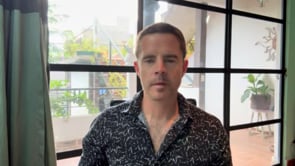
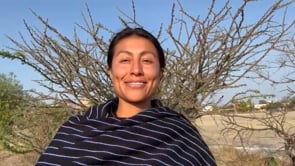
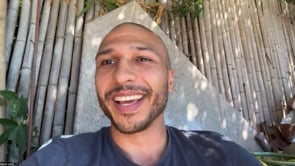
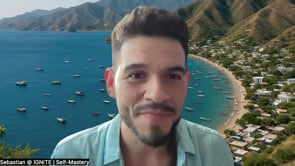
This demonstrates a playlist. Each of the videos pulls along it's own special settings, but will not show the call to action buttons that can appear in a single video player above.